



 International
 IPTV

 Ai Tools
 Content Writing Tools
 Plagirism Checker Tools




 Windows
 Office
 Anti Virus


 Facebook
 Instagram
 Tiktok
 Twitter

 Theme
 Plugin

 Xbox
 Playstation
 Rockstar
 PUBG
 PUBG UC
 Royal Pass





Make Better Product Posts in Canva: A Simple Workflow

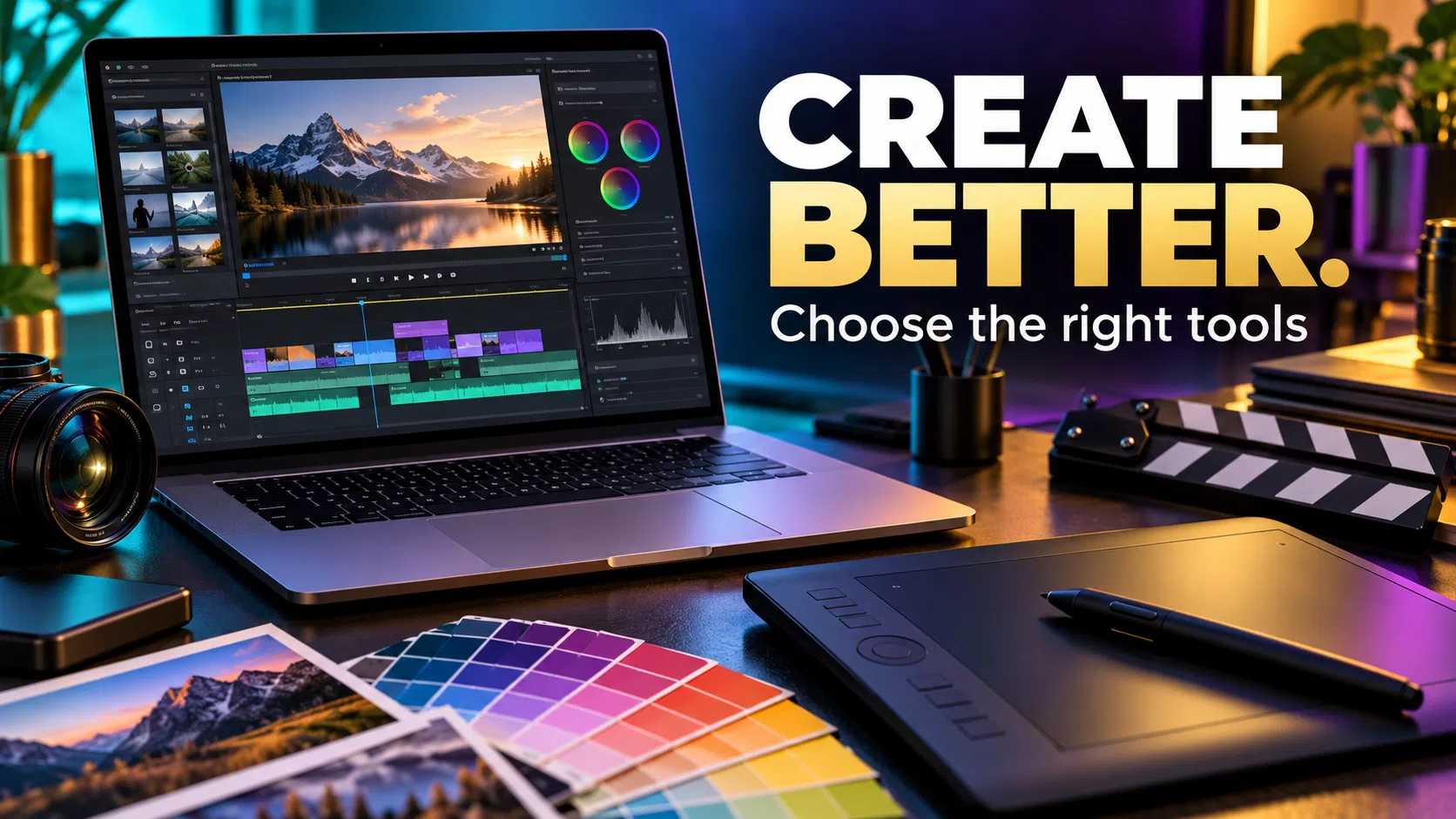
Quick guide: Practical buying and setup help from FDS Digital Store. Confirm the current plan, permitted use and availability before ordering.
A useful Canva product post design tells the customer what is offered, why it matters and what to do next. You do not need to cover the image with badges. A clean repeatable workflow often produces a stronger result than starting from a new template every day.
Write the message before opening the editor
Choose one job for the post: announce an offer, explain a benefit or answer a buying question. Write a short headline in everyday language. If you cannot explain the offer clearly in a sentence, fix the wording before adding more effects.
Use a three-level layout
- A headline that identifies the product or problem.
- One useful supporting point or product image.
- A clear next action, such as viewing the current plan.
Make the headline readable at the size people will actually see on a phone. Zoom out and inspect the design. A layout that only works when enlarged is not ready for a small social feed.
Choose honest imagery
Use an image you own or are licensed to use. Do not paste invented ratings, sales figures, partner logos or fake customer results into a template. If a visual is a concept rather than a real product screenshot, make its purpose clear rather than presenting it as proof.
Create a small reusable system
Keep a consistent colour palette, type hierarchy and spacing. Duplicate your own working layout, then change the product-specific content carefully. If your current plan offers helpful brand or editing tools, use them; if not, a simple written style checklist still works.
Check the export before posting
- Read every word aloud and remove unnecessary claims.
- Check that the product and price are current.
- Confirm the image licence and any usage limits.
- Open the exported file and inspect it at phone size.
- Test the destination link in the accompanying post.
Canva’s licensing conditions apply to library content even when it is part of a polished design. Do not distribute a stock element as if it were your own original asset.
Should every post use the same template?
Keep the brand consistent, but change the layout when the message needs it. A product comparison needs a different structure from a single offer. The goal is clarity, not repetition for its own sake.
Check the current FDS option
Visit the Canva Pro product page for the selected option and current price. Tell us your country, device and intended use before payment if anything is unclear. FDS is an independent store; this article does not claim endorsement or authorised-reseller status from the product owner.
WhatsApp: +92 309 7327688. Keep passwords and private account details out of public comments.
Continue reading
Official product guidance
Reviewed 30 October 2026. Product names belong to their respective owners. Features, region availability, prices and usage conditions may change.
