


 International
 IPTV

 Ai Tools
 Content Writing Tools
 Plagirism Checker Tools



 Windows
 Office
 Anti Virus


 Facebook
 Instagram
 Tiktok
 Twitter

 Theme
 Plugin

 Xbox
 Playstation
 Rockstar
 PUBG
 PUBG UC
 Royal Pass




Buying Envato Elements? Check the Assets Your Project Needs

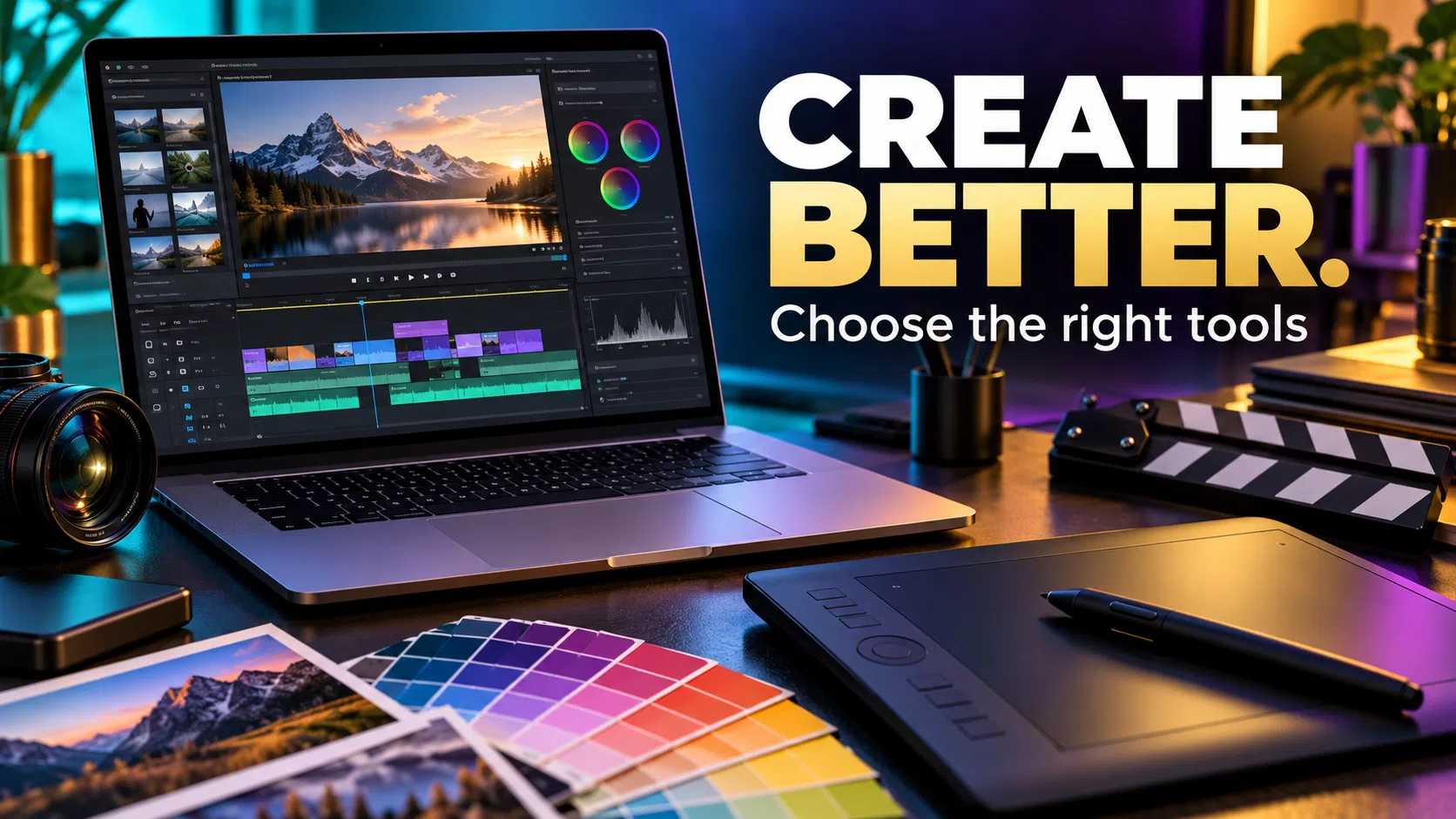
Before choosing a creative subscription, search for the kind of material your next project needs. This Envato Elements buying guide helps you turn an attractive asset catalogue into a practical purchase decision.
Build a short project list
Write down three deliverables and the missing assets for each. You might need editable presentation layouts, licensed audio or website graphics. Do not subscribe merely because a large download count sounds impressive.
Check compatibility before downloading
Inspect each item’s stated file format, required application, version and dependencies. A template can be professionally designed and still be unsuitable for your software. Include fonts, plug-ins and other requirements in the project’s real cost.
Ask about permitted access
- Which subscription or entitlement is supplied?
- How will you create the required project licences?
- Can you retain appropriate proof for client work?
- Which account controls the records?
- What are the duration and renewal conditions?
Use the official licensing guidance for the actual item and end product. A seller’s general offer does not override the asset owner’s terms.
Test a small workflow
Use permitted previews or an appropriately licensed test item. Open it in the software you actually use, edit a representative section and check the export. Do not build a paid project around a file you have only seen in a marketing preview.
Is this a substitute for every marketplace purchase?
No. Confirm that the precise asset is included in the selected service and that its terms cover your project. Similar names across services do not guarantee identical entitlement.
Check the current FDS option
See the current Envato Elements offer at FDS and confirm the selected scope, legitimate activation and permitted use before paying. FDS is an independent store; this article does not claim endorsement or authorised-reseller status.
WhatsApp: +92 309 7327688. Keep passwords and private project details out of public comments.
Continue reading
- Envato Elements for Client Work: Start With a Licence Record
- Reusing an Envato Asset? Check the New Project First
- Browse FDS guides
Official guidance
Reviewed 30 October 2026. Features and licensing conditions can change; check the exact plan before purchase.