


 International
 IPTV

 Ai Tools
 Content Writing Tools
 Plagirism Checker Tools



 Windows
 Office
 Anti Virus


 Facebook
 Instagram
 Tiktok
 Twitter

 Theme
 Plugin

 Xbox
 Playstation
 Rockstar
 PUBG
 PUBG UC
 Royal Pass




Apple TV Shows a Rent or Buy Button? Read This Before Paying


A Rent or Buy button is an offer for a particular title, not necessarily an error in your subscription. Before accepting another charge, understand which part of the Apple TV app you are browsing and what access the selected item requires.
Check the title’s offer
Record the title and the exact button shown. A rental, a purchase and a subscription are different transactions. Do not confirm a payment merely to test whether your original membership works; that can create a separate obligation.
Compare something you know is included
Open an item clearly identified as included with your own subscription. If it plays, record that result. It suggests a different access condition for the original title rather than establishing that the whole account is unusable.
Distinguish account and billing questions
For an FDS purchase, ask what entitlement your order supplied. For a direct platform charge, use the platform’s billing support. Keep the two order records separate so the right support team can investigate.
A useful support report
- The title and exact access prompt.
- Your device and country.
- Whether a known included title plays.
- The relevant order number, without private payment details.
Hide passwords and account identifiers before sending a screenshot. Do not try another person’s account or disable normal protections to reach a restricted title.
Will buying the same subscription again help?
Not if the title is a separate rental or purchase. Resolve the entitlement question first. Apple’s own store guidance explains the separate buying and rental flow; consult the version that applies in your country.
Check the current FDS option
See the Apple TV offer at FDS, then confirm the exact selected option, country suitability and permitted activation before paying. FDS is an independent store; this guide does not claim endorsement or authorised-reseller status. Product features and prices can change.
WhatsApp: +92 309 7327688. Keep login and payment details out of public comments.
Continue reading
- Apple TV Subscription or Device? Know What You Are Buying
- Buying Netflix? Check These 5 Things First
- Browse FDS guides
Official guidance
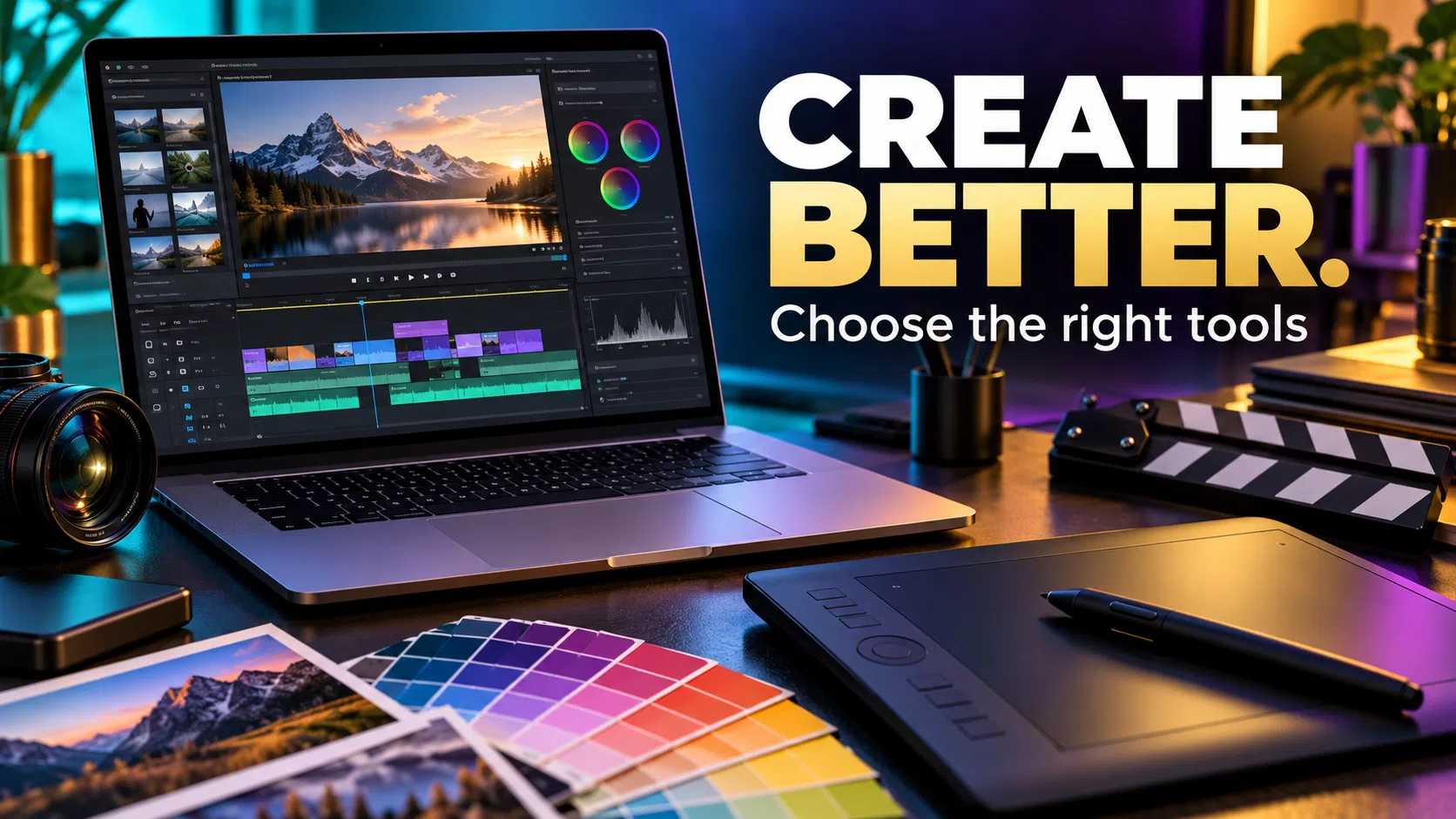
Reviewed 30 October 2026. Cover artwork is an original editorial illustration, not proof of included titles or actual platform screens.