

 International
 IPTV

 Ai Tools
 Content Writing Tools
 Plagirism Checker Tools



 Windows
 Office
 Anti Virus


 Facebook
 Instagram
 Tiktok
 Twitter

 Theme
 Plugin

 Xbox
 Playstation
 Rockstar
 PUBG
 PUBG UC
 Royal Pass



Change Your FDS IPTV Player Theme in a Few Steps

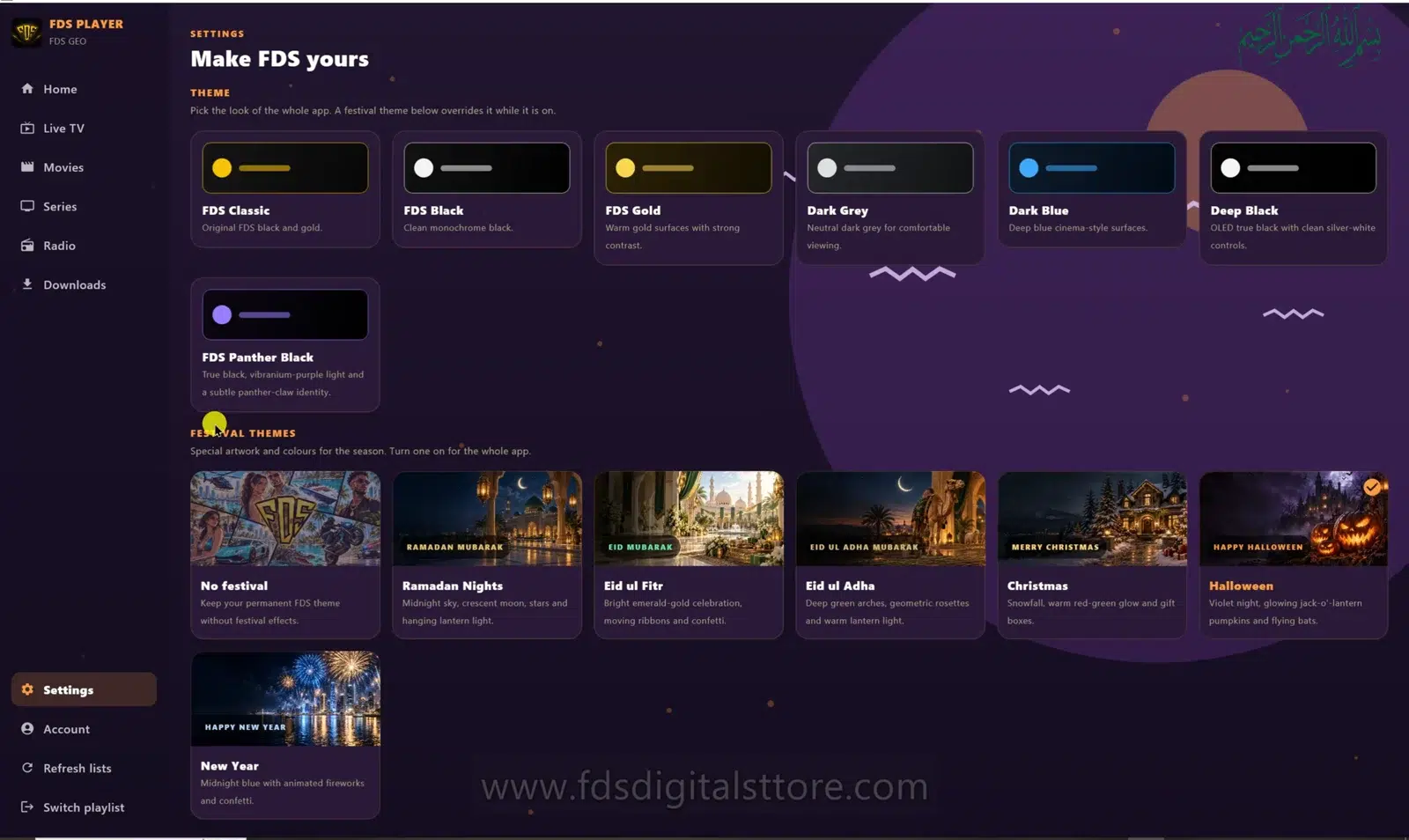
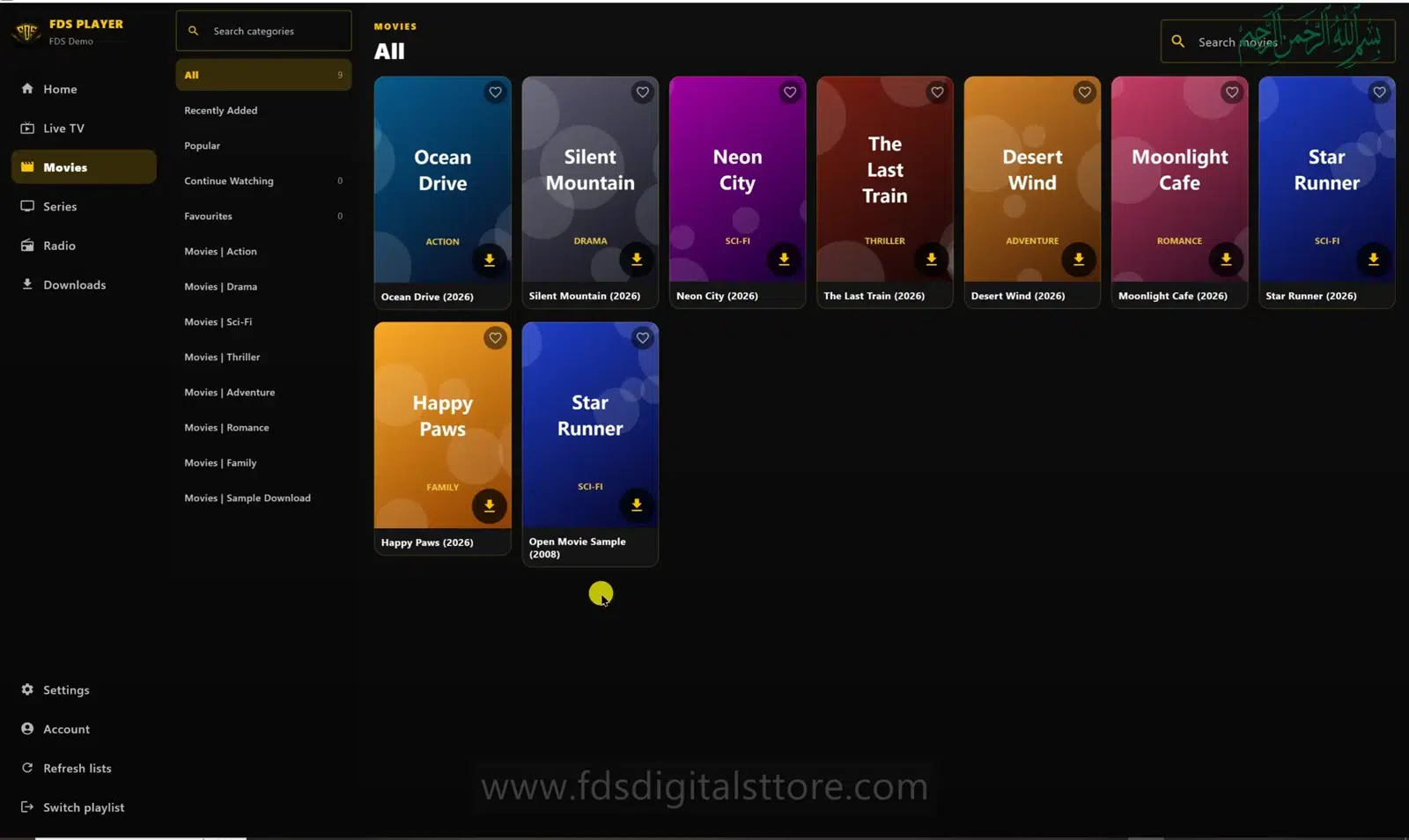
FDS IPTV Player themes change the look of the interface, not the content in your playlist. If you prefer a calmer background or clearer contrast, appearance settings are a useful place to start. The PC demonstration shows a Settings screen headed “Make FDS yours.”
Find the appearance settings
- Open FDS IPTV Player and go to Settings.
- Find the available base-theme presets.
- Select a theme and look at the navigation, labels and cards.
- Check the festival-theme section separately if you want seasonal decoration.
- Return to the catalogue and confirm text remains comfortable to read.
These steps refer to the PC edition. The arrangement or range of choices can differ in builds for mobile and compatible LED TV devices.
Base themes and festival themes are different
The demonstrated base choices include FDS Classic, FDS Black, FDS Gold, Dark Grey, Dark Blue, Deep Black and FDS Panther Black. The festival area includes a No Festival choice alongside seasonal designs. Use the names available in your installed version rather than expecting every release to have exactly the same list.
A base theme sets the underlying appearance. A seasonal choice adds a different visual mood. If a festive background feels too busy, choose No Festival and reconsider the base theme on its own.
Choose readability before decoration
- On a mobile screen, check small category labels and active buttons.
- On a compatible LED TV, judge the screen from your normal viewing distance.
- On PC/laptop, check search fields and the selected navigation item.
- Try the theme in the lighting you normally use.
A design that looks impressive close up may be harder to navigate across a room. Clear selection states matter more than a favourite colour when using a remote.
What changing a theme will not fix
Appearance settings do not renew a provider account, improve the original stream resolution or add missing channels. They also do not guarantee smoother playback. If a stream stops loading, investigate the connection and source separately rather than cycling through colours.
Can I return to a simple look?
Yes: choose a base preset you prefer and turn off seasonal decoration with the available No Festival option. If an older build has different controls, note your app version when asking support for help.
Will a new theme delete my playlist?
The appearance controls are intended to change presentation, not replace your source. Avoid using account-removal or data-reset controls when all you want is a new look.
Explore FDS IPTV Player
Check current compatibility, builds and setup information on the official FDS IPTV Player website. Need help choosing the correct version? Contact FDS support with your device type—never post private playlist credentials.