International
 IPTV

 Ai Tools
 Content Writing Tools
 Plagirism Checker Tools




 Windows
 Office
 Anti Virus


 Facebook
 Instagram
 Tiktok
 Twitter

 Theme
 Plugin

 Xbox
 Playstation
 Rockstar
 PUBG
 PUBG UC
 Royal Pass





IPTV Player or Subscription? Know What You Are Buying


An IPTV player is the app. An IPTV subscription is access supplied by a content service. Confusing the two can leave you with a working app but nothing to watch. Here is how to choose the right item at FDS Digital Store.
What a player licence covers
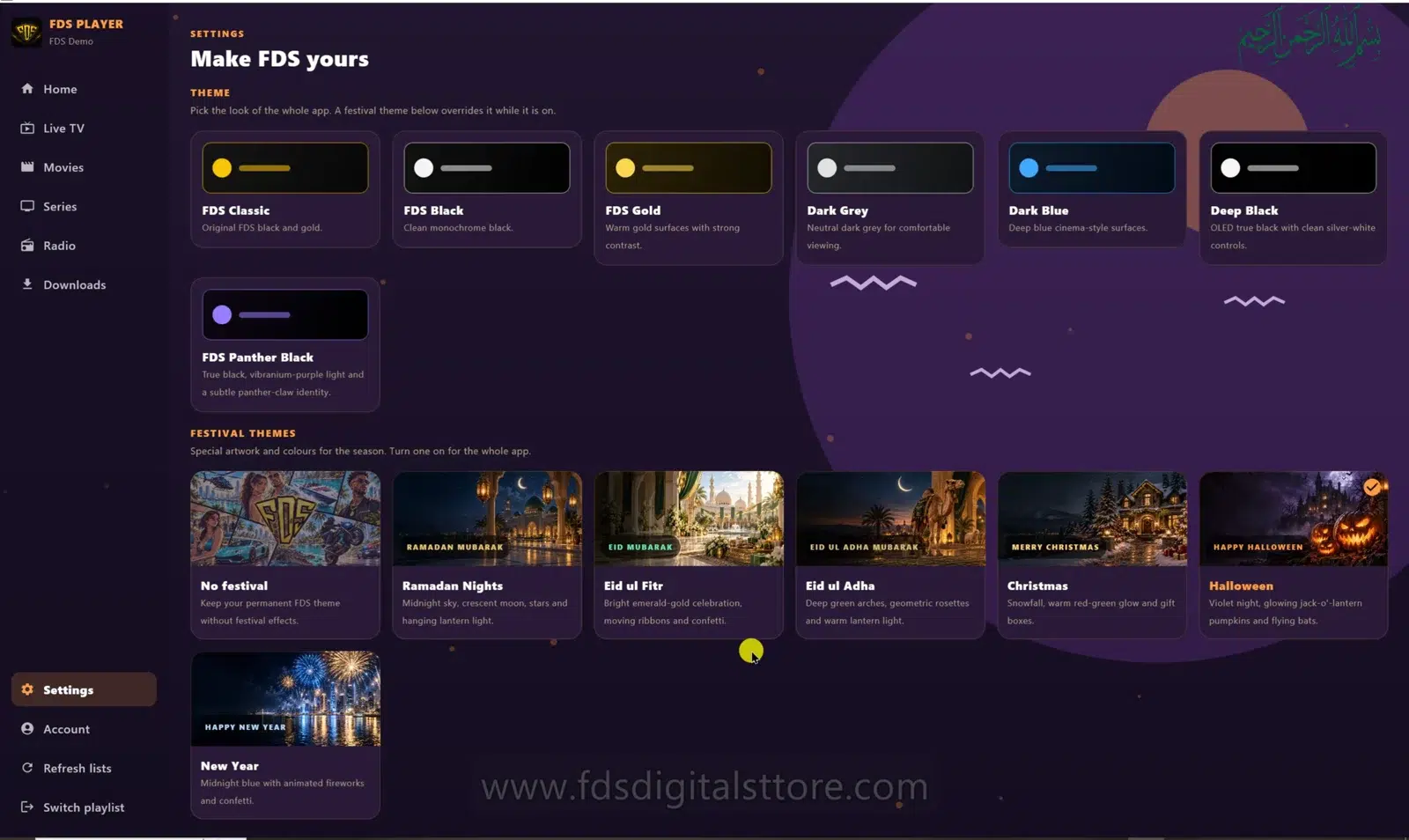
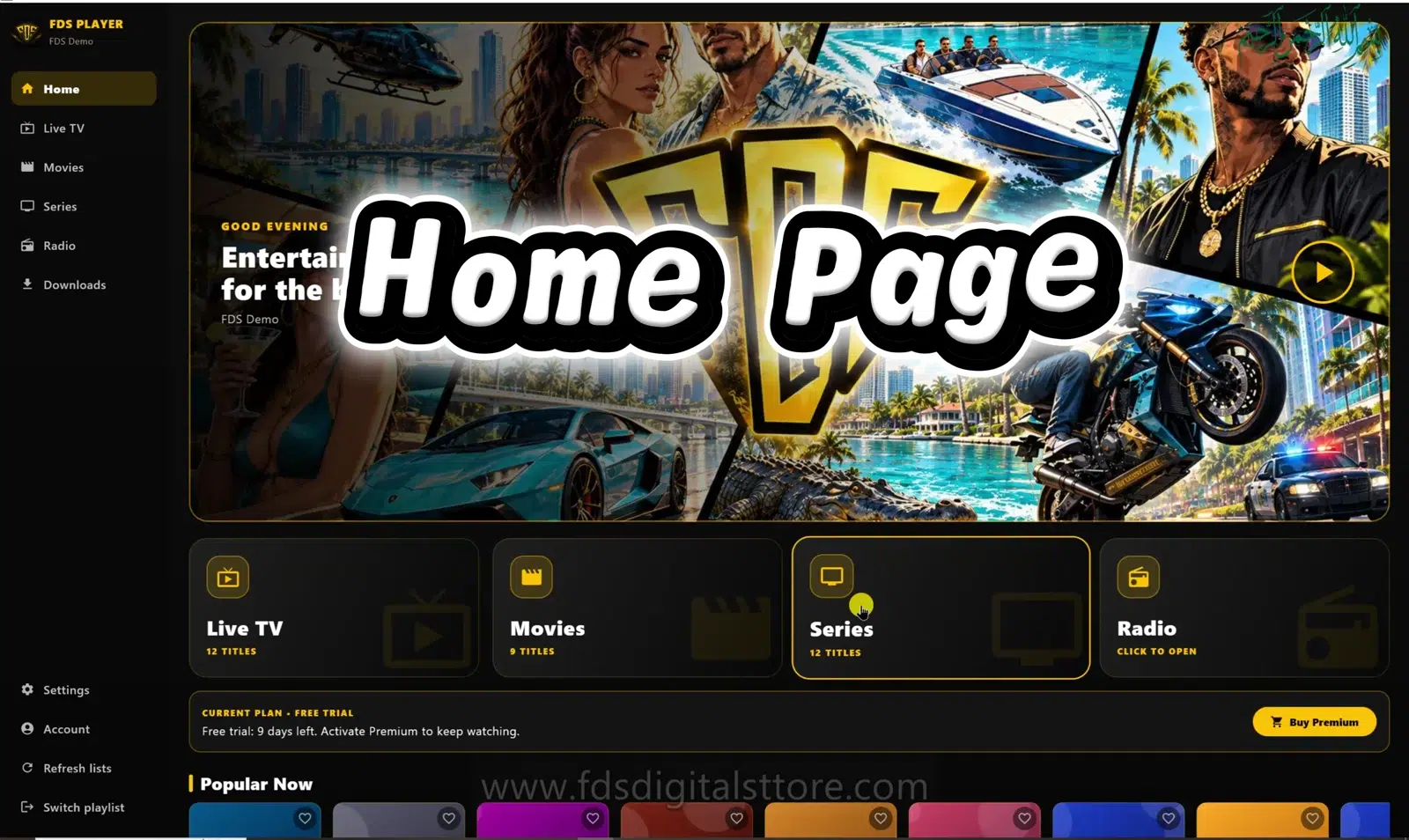
FDS IPTV Player gives you an interface for compatible playlists and account details. It organises the source into the sections supported by your build. A licence does not automatically include a sports channel, a film collection or a news subscription. Screenshots and promotional artwork illustrate the experience, not a bundled catalogue.
What a service plan covers
A service plan has its own duration, catalogue, territory rules and connection allowance. These are separate from the app licence. Before paying, ask what login format is supplied and which devices can use it. Confirm that the content is lawfully available for your intended use and location.
Which one do you need?
- Already have an authorised playlist? Check whether you only need a compatible player.
- Have the app but no source? Ask about a suitable service rather than buying the same app again.
- Need both? Confirm both items and their respective renewal terms.
Read the order summary carefully. A month of service and a month of app access can have different start dates. Keep both confirmations so support can identify which part needs attention later.
Buy with fewer surprises
Browse the current IPTV listings at FDS, then send your device type and preferred duration on WhatsApp if you need help. Do not send a provider password in a public comment. Ask for a clear explanation of the selected plan rather than assuming every option works the same way.
Does a premium player unlock every channel?
No. Only your authorised source determines the content you can access.
Need help? Talk to FDS
For supported builds and setup information, visit the official FDS IPTV Player website. To enquire about a current service plan, browse FDS IPTV options and confirm the details before ordering.
WhatsApp: +92 309 7327688. Tell us your device type and what you need; keep passwords and private playlist links out of public comments.