International
 IPTV

 Ai Tools
 Content Writing Tools
 Plagirism Checker Tools




 Windows
 Office
 Anti Virus


 Facebook
 Instagram
 Tiktok
 Twitter

 Theme
 Plugin

 Xbox
 Playstation
 Rockstar
 PUBG
 PUBG UC
 Royal Pass





Buy Opplex IPTV from FDS: Plans and Setup Guide


Want to buy Opplex IPTV from FDS Digital Store? Start with the current product options, confirm your device and choose a duration that matches your needs. A clear order is more useful than a headline promising everything on every screen.
Choose the plan on the product page
The Opplex IPTV listing offers duration choices. Use its current selector for the price and available package; do not rely on an old screenshot. Before buying a longer plan, clarify what access, support and renewal terms apply to that exact option.
Tell FDS how you intend to watch
State whether you use mobile, a compatible LED TV or PC/laptop. Ask which login or playlist format will be delivered and whether your intended app supports it. The number of devices on which software can be installed is not necessarily the number of permitted simultaneous connections.
Questions worth asking before payment
- Is the plan available for my location and lawful intended use?
- What duration and connection allowance am I selecting?
- Does my preferred sports, movie or news requirement need confirmation?
- How will activation details be delivered after processing?
Only use content you are entitled to access. A sports illustration does not confirm rights to a specific tournament, and a large advertised catalogue does not guarantee any individual title.
Use a compatible independent player
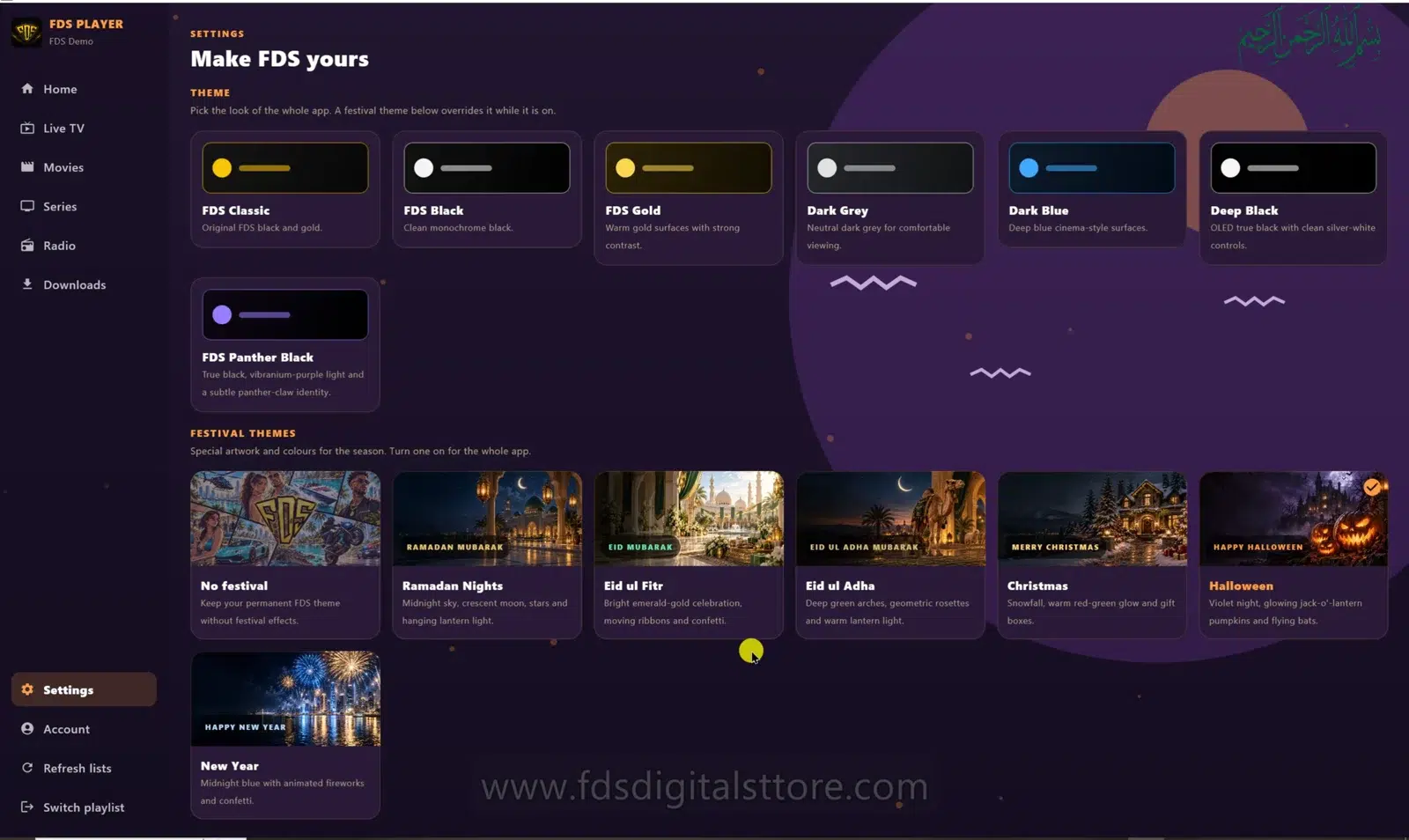
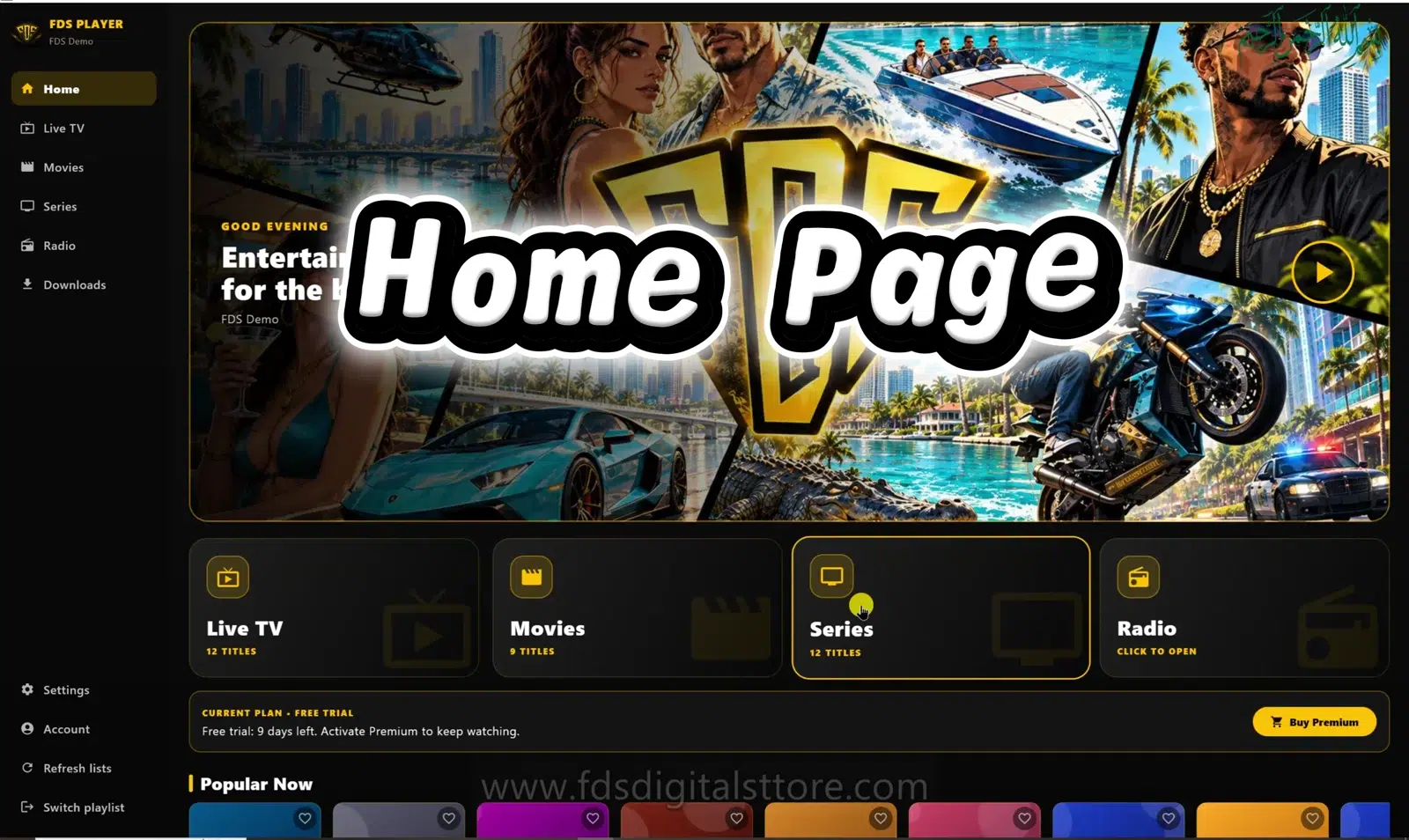
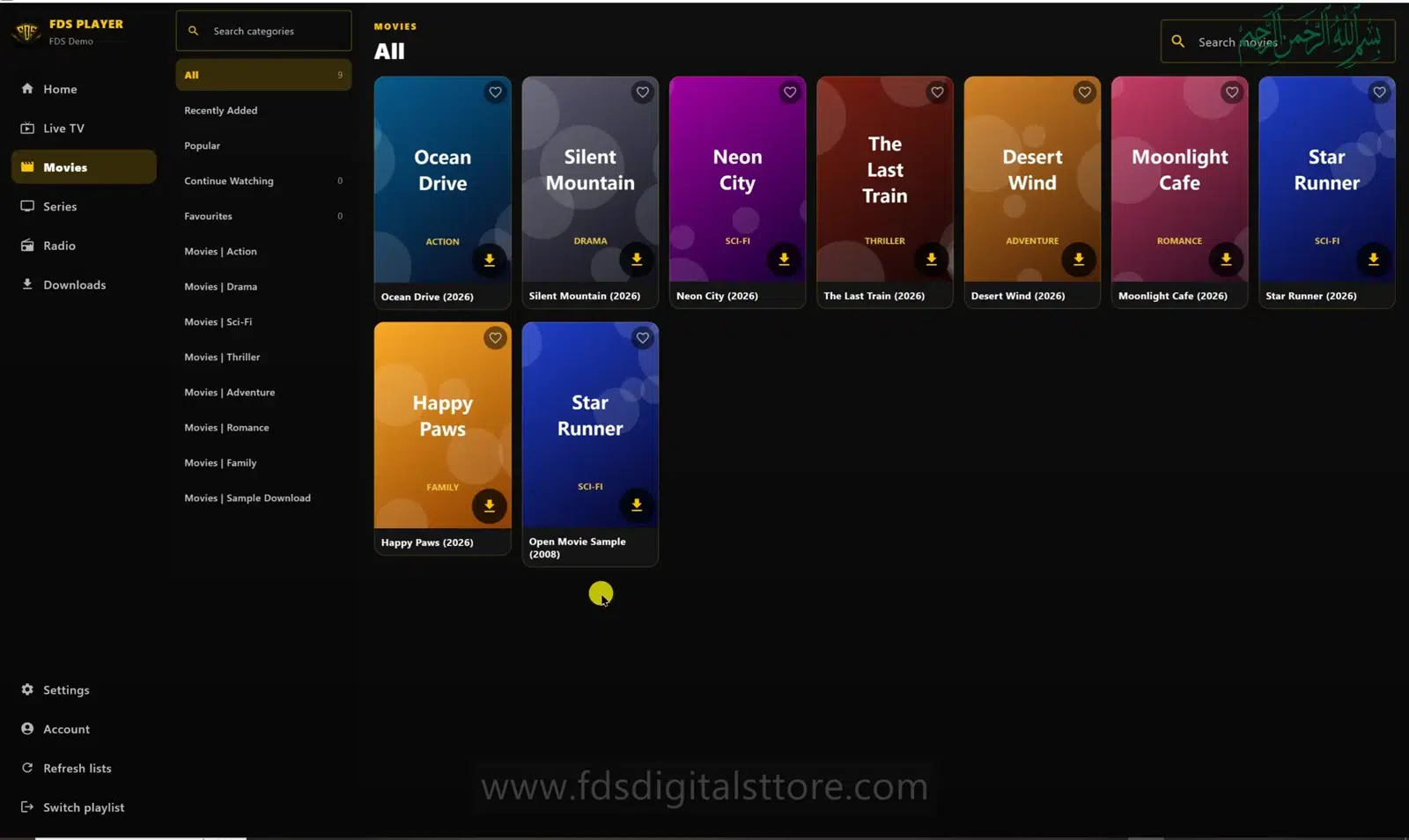
FDS IPTV Player is a separate app that accepts supported user-provided sources. Confirm compatibility with the details supplied for your order. Buying the app alone does not purchase Opplex service, and buying a service plan does not necessarily include every app licence.
Ready to order?
Open the Opplex product page to select the current plan, or message FDS with the words “Opplex plan enquiry,” your device type and preferred duration. Keep your order reference for support and avoid sending passwords through public comments.
Are prices fixed in this guide?
No. Check the live product options and checkout summary for the current price.
Need help? Talk to FDS
For supported builds and setup information, visit the official FDS IPTV Player website. To enquire about a current service plan, browse FDS IPTV options and confirm the details before ordering.
WhatsApp: +92 309 7327688. Tell us your device type and what you need; keep passwords and private playlist links out of public comments.