International
 IPTV

 Ai Tools
 Content Writing Tools
 Plagirism Checker Tools




 Windows
 Office
 Anti Virus


 Facebook
 Instagram
 Tiktok
 Twitter

 Theme
 Plugin

 Xbox
 Playstation
 Rockstar
 PUBG
 PUBG UC
 Royal Pass





Save Your Favourite Channels in FDS IPTV Player


Stop scrolling through the same long list every evening. FDS IPTV Player favourites, where available in your installed build, help you keep regularly used channels or titles close. They organise your source; they do not add new content to it.
Start with a small useful list
Pick the items you actually revisit: a permitted sports source, a news channel or a film you intend to finish. A short list is easier to scan than a second copy of the entire catalogue. Test each item before saving it so you do not build a list of dead links.
Use the favourite control your build provides
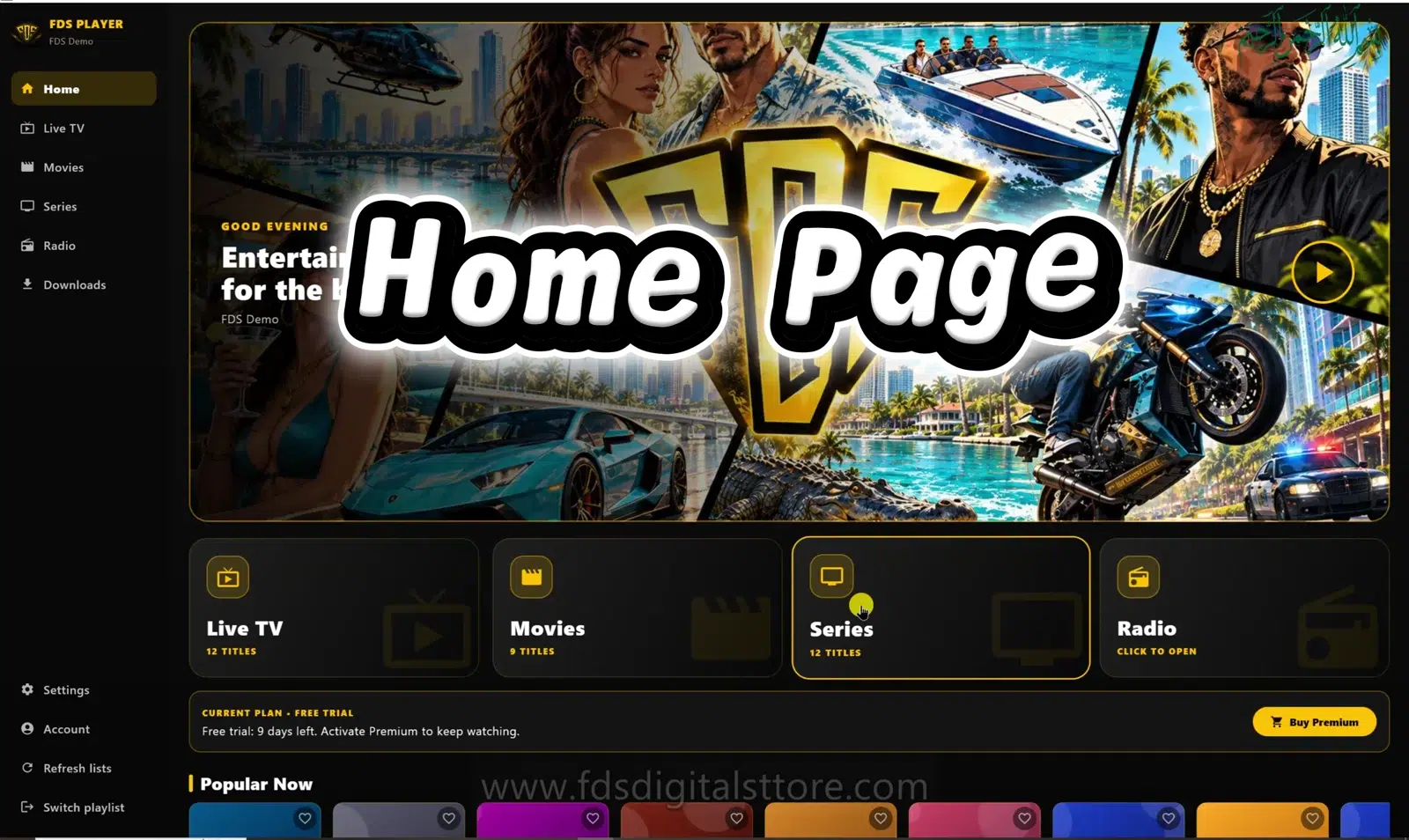
Open an item’s available actions and look for its favourite or heart control. Then check the Favourites area. The reviewed desktop catalogue contains a Favourites shelf; mobile and compatible LED TV navigation can differ. Do not assume a long-press gesture works on every screen.
Keep sources separate
If a saved item disappears, confirm the selected playlist before adding it again. Two providers can use the same display name for different streams. A favourite should lead to the intended source, not merely to a familiar-looking title.
Give the list a quick clean-up
- Remove entries that no longer work or are no longer needed.
- Check duplicates before saving another copy.
- Recheck availability when your provider changes its catalogue.
- Keep a separate record of account details, not inside visible item names.
Do not expect a favourite to preserve access after your source account expires. It is a shortcut, not an offline copy or a content licence.
What about another device?
Confirm the build’s actual behaviour before expecting favourites to appear on a second installation. This guide does not promise automatic cross-device synchronisation.
Can saving a favourite reduce buffering?
It can make navigation quicker, but it does not improve the original stream or your connection.
Need help? Talk to FDS
For supported builds and setup information, visit the official FDS IPTV Player website. To enquire about a current service plan, browse FDS IPTV options and confirm the details before ordering.
WhatsApp: +92 309 7327688. Tell us your device type and what you need; keep passwords and private playlist links out of public comments.