International
 IPTV

 Ai Tools
 Content Writing Tools
 Plagirism Checker Tools




 Windows
 Office
 Anti Virus


 Facebook
 Instagram
 Tiktok
 Twitter

 Theme
 Plugin

 Xbox
 Playstation
 Rockstar
 PUBG
 PUBG UC
 Royal Pass





FDS Player Parental PIN: A Safer Shared-Screen Setup


A shared screen deserves more than a promise that everybody will choose carefully. The FDS IPTV Player parental PIN feature in supported builds can restrict identified adult content. It is one part of a supervised setup, not a guarantee that every unsuitable item will be detected.
Find the control in your build
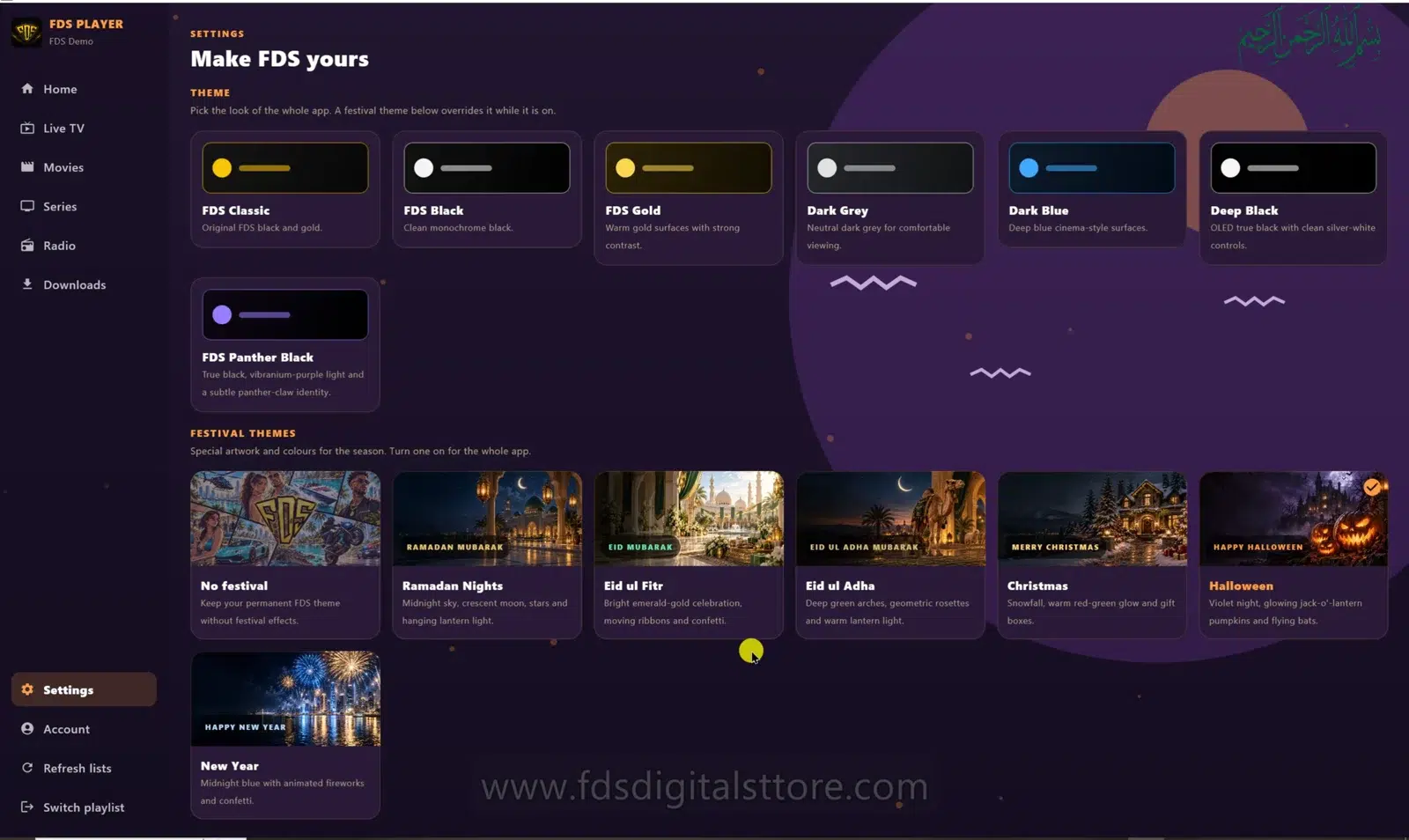
The reviewed mobile/TV Settings screen includes an Adult Content PIN option under Privacy & Storage. Open the control and follow its setup prompts. Labels and availability can differ on PC/laptop and other builds, so check the version you actually use.
Choose a private PIN
Avoid a number children already know or one displayed elsewhere in the room. Enter it privately and keep the normal recovery information in a secure place. Do not put a PIN in the visible playlist name or send it in a public comment.
Test rather than assume
After enabling the feature, test the restriction with an appropriate adult account and then return to normal viewing. Classification can depend on source names or metadata. Review categories yourself because a provider can mislabel items or change its listings.
Combine it with household rules
- Use sources appropriate for the people sharing the device.
- Review the available catalogue after a provider update.
- Keep account and device settings under adult supervision.
- Do not treat hiding a category as a substitute for access controls.
If a title appears in an unexpected section, report the source metadata issue. A player is not the publisher of the catalogue.
If you forget the PIN
Use the application’s supported recovery route or contact FDS support with the device and build information. Do not follow instructions from strangers to bypass restrictions or erase all data without understanding the consequences.
Does a PIN make any playlist child-safe?
No. Review the source and supervise usage. The feature supports a safer setup but cannot guarantee perfect content classification.
Need help? Talk to FDS
For supported builds and setup information, visit the official FDS IPTV Player website. To enquire about a current service plan, browse FDS IPTV options and confirm the details before ordering.
WhatsApp: +92 309 7327688. Tell us your device type and what you need; keep passwords and private playlist links out of public comments.