


 International
 IPTV

 Ai Tools
 Content Writing Tools
 Plagirism Checker Tools




 Windows
 Office
 Anti Virus


 Facebook
 Instagram
 Tiktok
 Twitter

 Theme
 Plugin

 Xbox
 Playstation
 Rockstar
 PUBG
 PUBG UC
 Royal Pass




IPTV Keeps Buffering? 7 Checks That Can Help

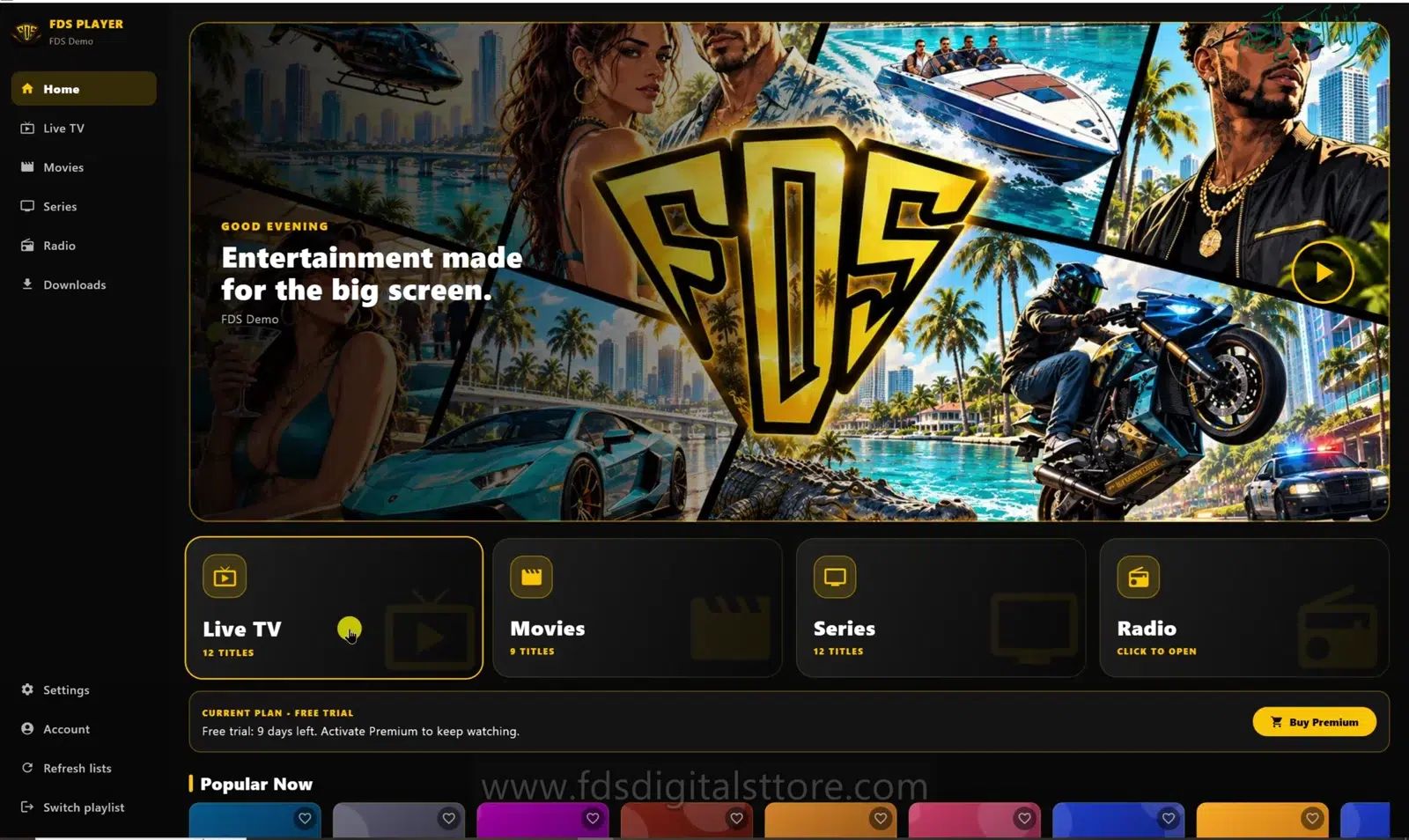
If your IPTV keeps buffering, changing the player is not always the answer. A spinning loading indicator can come from an unstable connection, an overloaded source or a device struggling to decode the stream. The useful first step is finding which part is failing.
This checklist applies when using FDS IPTV Player for mobile, compatible LED TV or PC/laptop. It does not promise buffer-free playback: a player cannot repair an unavailable upstream stream.
1. Test a second channel or video
Open another item from the same authorised playlist. If only one item fails, note its name and the time of the problem. A single-source failure points to a different investigation than a complete app-wide outage. Avoid changing several settings before making this comparison.
2. Check stability, not just a speed number
A fast speed-test result does not rule out brief interruptions. Compare playback near the router or with a wired connection where your device supports it. If a stronger connection helps, investigate wireless coverage and congestion before replacing the app.
3. Pause competing downloads
Large file transfers and updates can compete with live playback. Pause non-essential transfers briefly, including offline downloads, and repeat the same playback test. Keep other variables unchanged so the comparison means something.
4. Try a lower-quality version if available
Your provider may offer another version of the same programme at a lower resolution. Test that supplied option rather than assuming the app can create one. If the lighter stream works, bandwidth or decoding load may be part of the problem.
5. Check the device workload
Close unused heavy apps and check for overheating or low storage. Video that stutters while sound continues can need a different investigation from a connection that repeatedly stops loading. Record what you actually see.
6. Confirm provider limits and availability
An expired account, unavailable stream or connection limit can interrupt viewing. Ask your authorised provider whether the item is available and whether another session is using your allowance. Buying a player licence does not remove those limits.
7. Restart once, then collect useful evidence
Restart the app and retry. If the problem continues, send support the device type, app version, connection type, affected item and error text. Hide playlist URLs, passwords and account tokens in screenshots.
When should you contact support?
Contact the source provider for a failing channel or account issue; contact FDS support for repeatable app behaviour such as a crash. If you are unsure, explain both the working and failing tests. That is more useful than simply saying “it buffers.”
Does downloading solve live TV buffering?
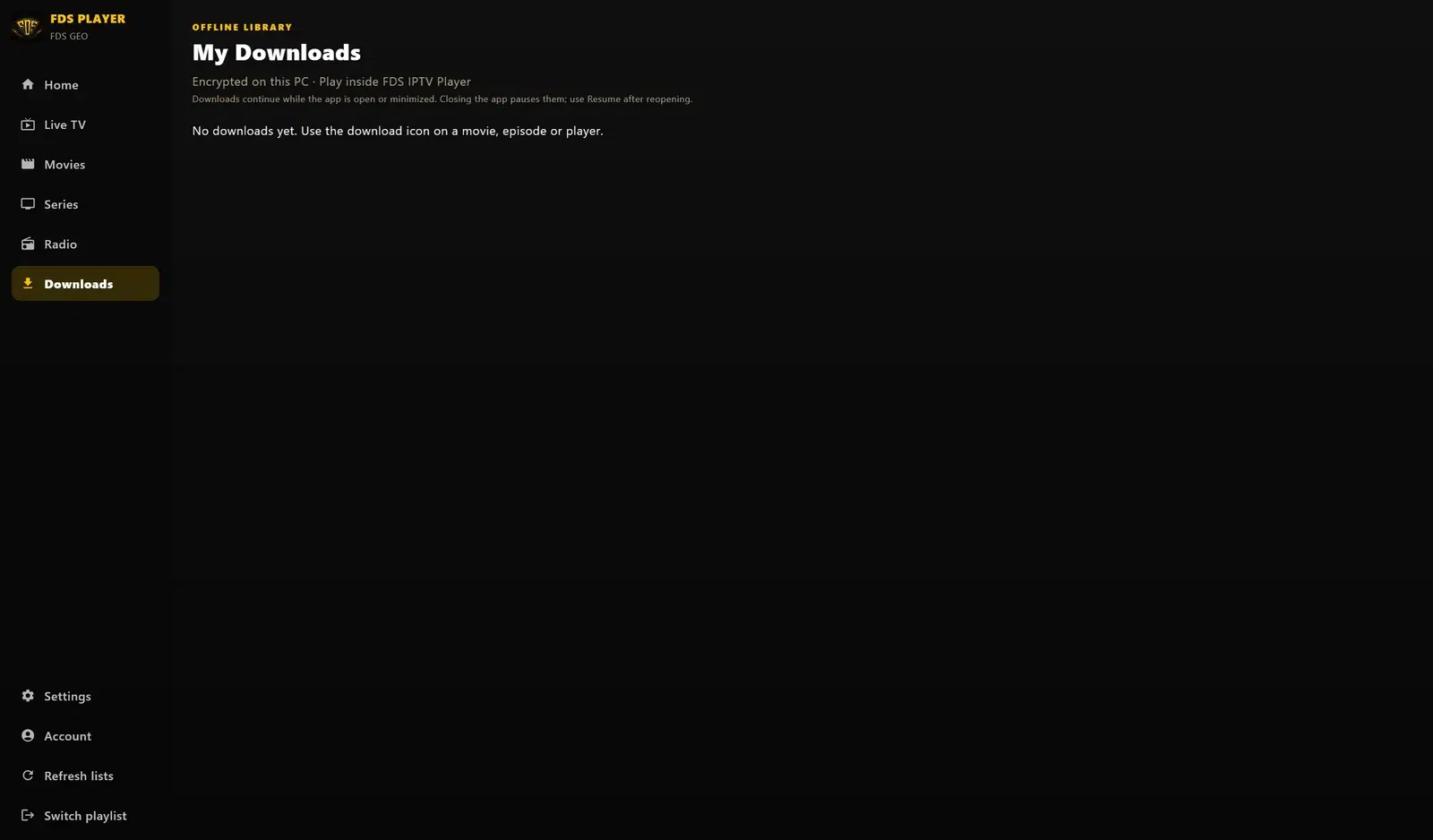
No. Offline movie or episode downloads, where supported, are a separate feature—not a guarantee of live TV recording or uninterrupted live streams.
Explore FDS IPTV Player
Check current compatibility, builds and setup information on the official FDS IPTV Player website. Need help choosing the correct version? Contact FDS support with your device type—never post private playlist credentials.