

 International
 IPTV

 Ai Tools
 Content Writing Tools
 Plagirism Checker Tools



 Windows
 Office
 Anti Virus


 Facebook
 Instagram
 Tiktok
 Twitter

 Theme
 Plugin

 Xbox
 Playstation
 Rockstar
 PUBG
 PUBG UC
 Royal Pass




How to Download Movies and Episodes in FDS IPTV Player

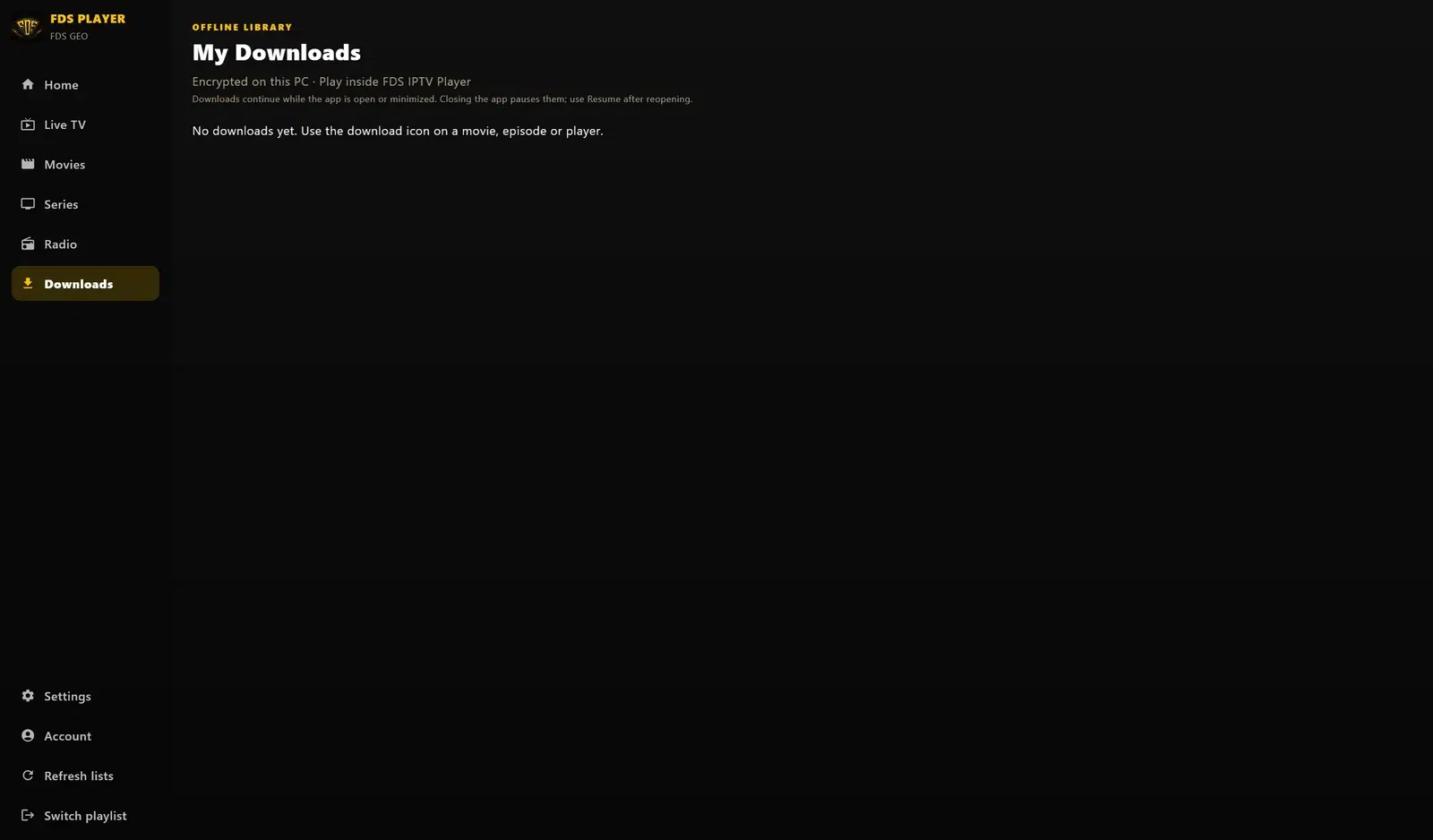
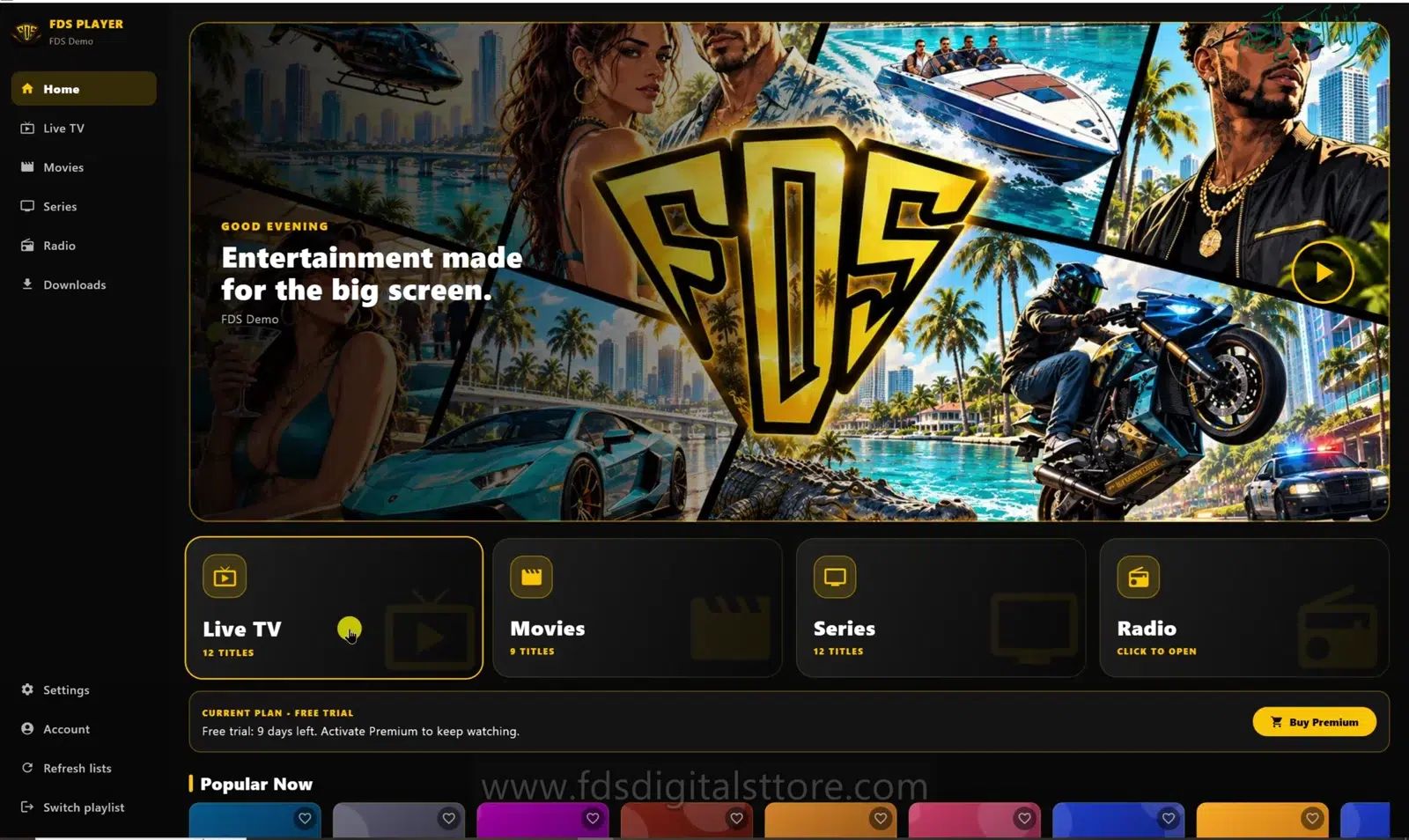
FDS IPTV Player downloads let you prepare supported movies or episodes for later viewing in the app. This guide describes the PC/laptop edition shown in our screenshots. Check your installed build before assuming the same controls exist on mobile or a compatible LED TV.
Only download material you are entitled to save. A download button does not grant copyright permission or override a provider’s terms.
What can you download?
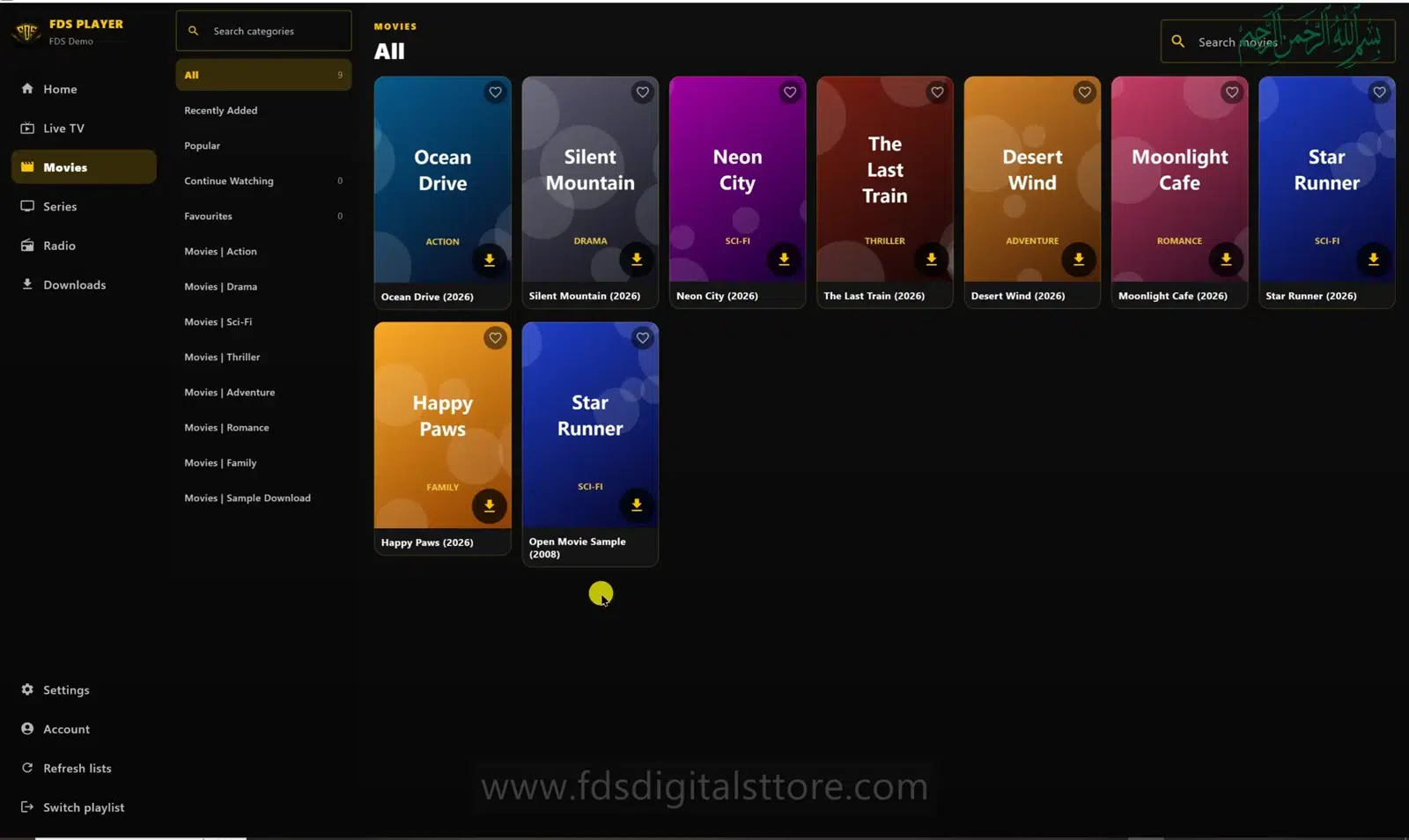
In the reviewed PC implementation, downloading is available for movie and series items with a usable stream URL. It is not a general-purpose channel recorder. A live TV stream and a downloadable on-demand episode are different things.
The My Downloads screen describes saved media as encrypted on the PC and playable inside FDS IPTV Player. Do not expect a portable video file you can move into an unrelated app.
How to save an item
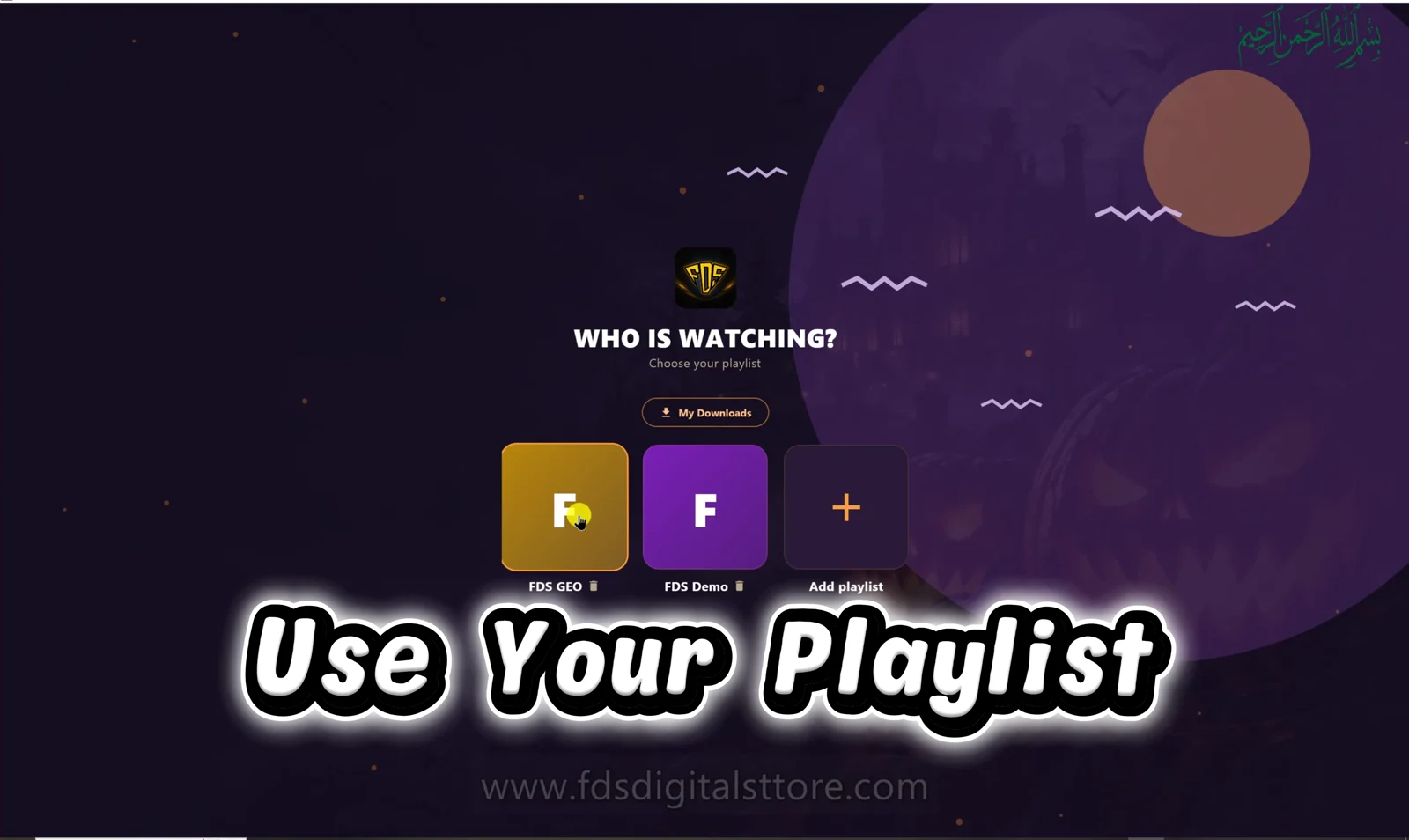
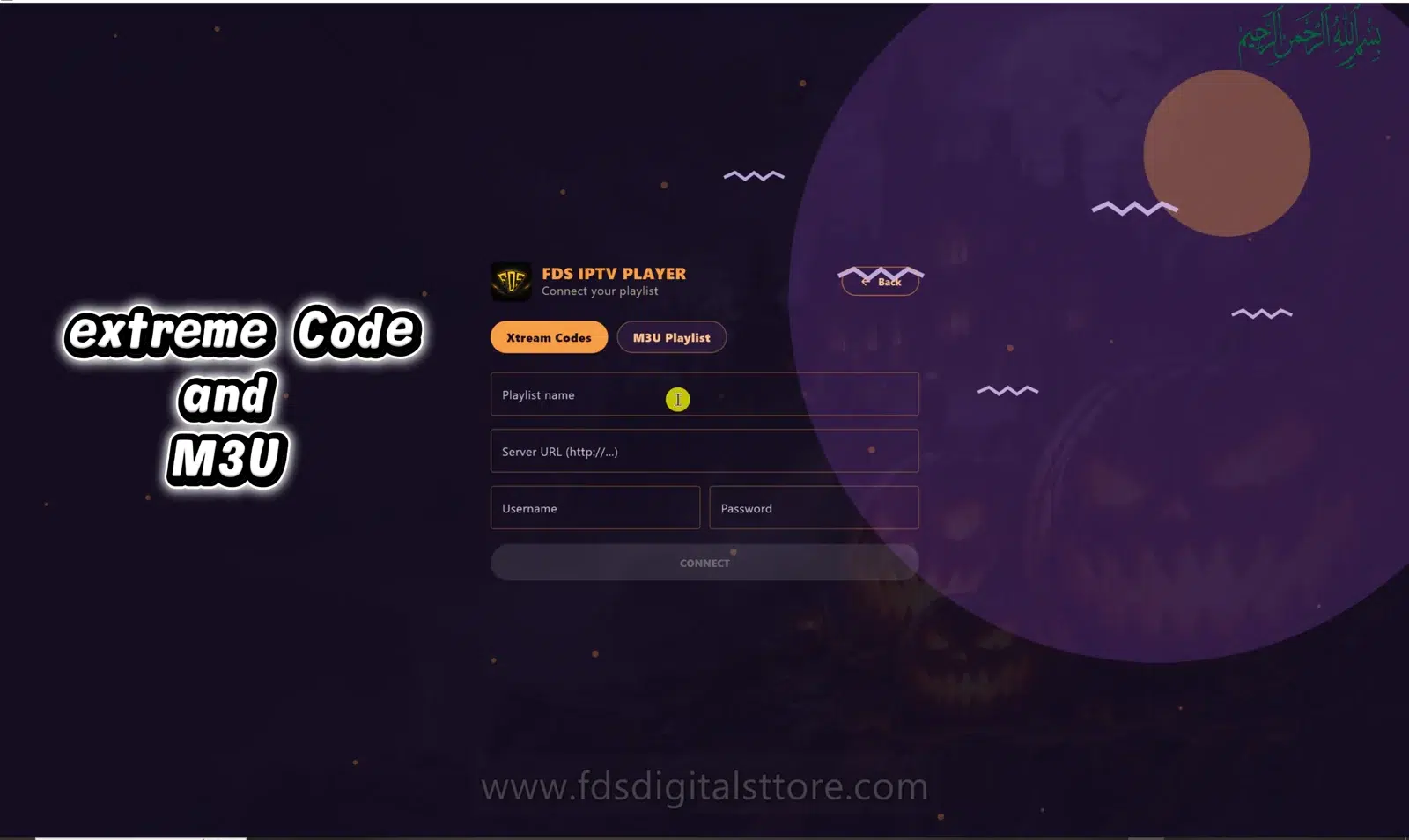
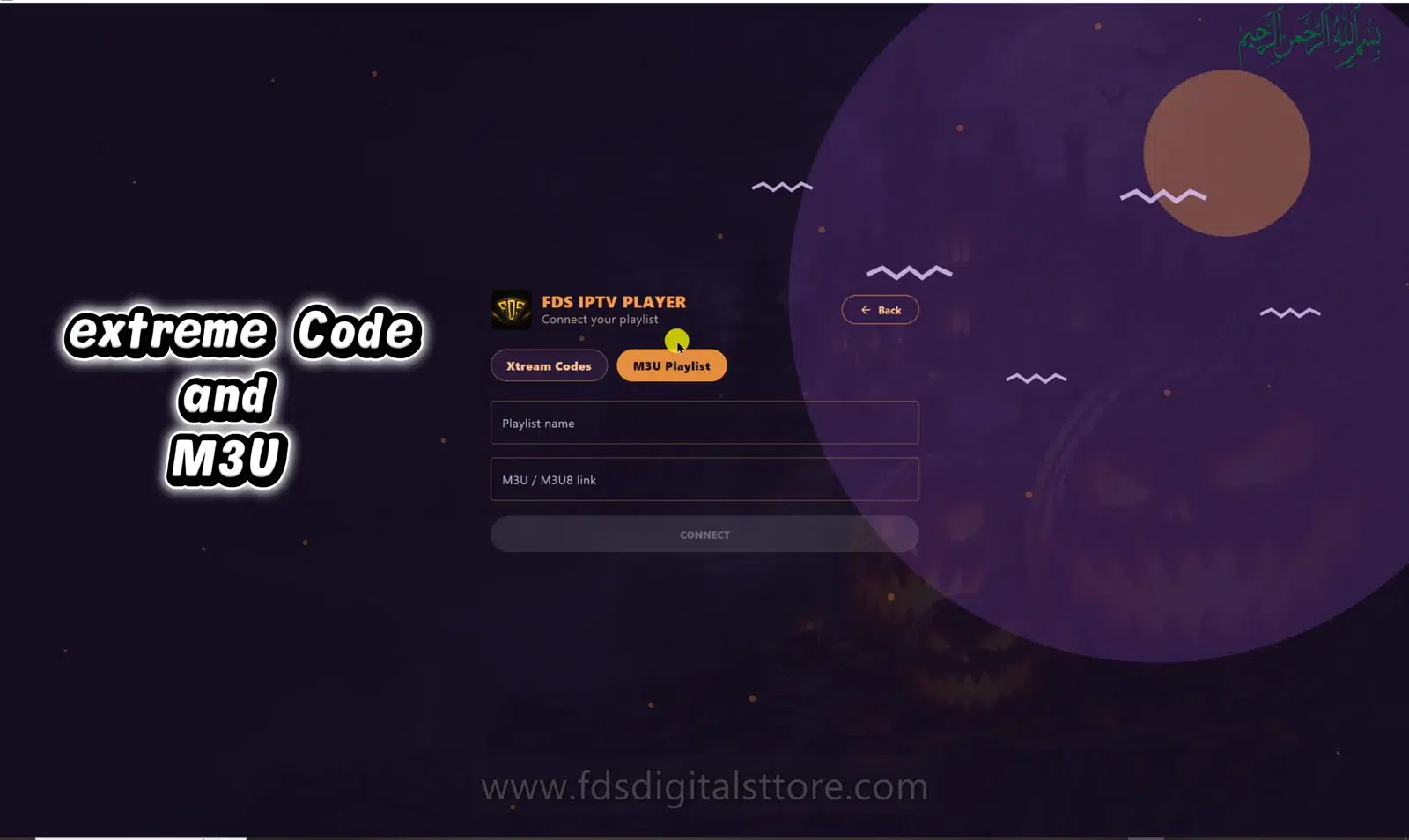
- Connect an authorised playlist and find a movie or episode you are allowed to download.
- Use the download control on the supported item or player screen.
- Open Downloads in the navigation to inspect progress.
- Keep the app open or minimised while the transfer runs.
- Wait for the item to show that it is ready, then use Play in the downloads library.
The reviewed build pauses downloads when the app closes. After reopening, return to the library and use Resume. A partially downloaded item should not be treated as ready for offline viewing.
Pause, Resume and Retry explained
- Pause: stop an active transfer temporarily.
- Resume: continue an eligible paused transfer.
- Retry: try again after a failed transfer; check the source and connection first.
- Delete: remove a saved item you no longer need, after confirming the action.
A provider can change a URL or remove a title. If the same item repeatedly fails, verify source availability rather than endlessly retrying.
Prepare before travelling
Finish downloads while connected, check available disk space and test a permitted saved item before relying on it away from the internet. Do not assume every account, build or provider supports the same offline behaviour. Keep the original app installation and its saved data intact.
Common questions
Can I download every live channel?
This guide does not claim live channel recording. It covers supported movie and episode downloads.
Can I share the saved files?
The reviewed library is encrypted and intended for playback inside the app. Do not redistribute content without permission.
Why is the library empty?
No item may have completed yet, or you may be looking at a different app installation. Check the transfer status before starting duplicate downloads.
Explore FDS IPTV Player
Check current compatibility, builds and setup information on the official FDS IPTV Player website. Need help choosing the correct version? Contact FDS support with your device type—never post private playlist credentials.